Submitting an enquiry

Send an admission enquiry straight from a school profile — no login needed — and it reaches the school as a lead.

ForParent

Found a school you like? Submit an admission enquiry from its profile — no login required. It arrives at the school as a lead in their admissions system, and they (or Bird AI) can follow up quickly.

  1. 1
    Open the profile
    Look for the Admissions Open card or the “Enquire Now” button.
  2. 2
    Fill the form
    Add your name, email, phone, and an optional message.
  3. 3
    Submit
    The school receives your enquiry and reaches out — you’ll get a confirmation.

Enquire, apply, or book a visit

Depending on the school, a profile offers one or more next steps:

  • Enquire Now — send your details and let the school reach out.
  • Apply Now — start the school’s online application directly.
  • Book Visit — pick a campus-visit slot online.
One form, many schools
You can also use the common application form to apply to multiple partner schools in one go, instead of filling a separate enquiry for each.
Your enquiry flows into the school’s admissions pipeline (often powered by QuickEnroll AI), so follow-up is fast.
Was this page helpful? Discovery v1.3.0alphaPage updated June 15, 2026

Stories from our schools,
every week.

Easy reads about AI in classrooms, what makes great schools tick, and the cool tools we are building.

🚀 Orbit v1.4.7-beta – Smarter, Sleeker, and More Personal
orbit
October 15, 20252 min read

🚀 Orbit v1.4.7-beta – Smarter, Sleeker, and More Personal

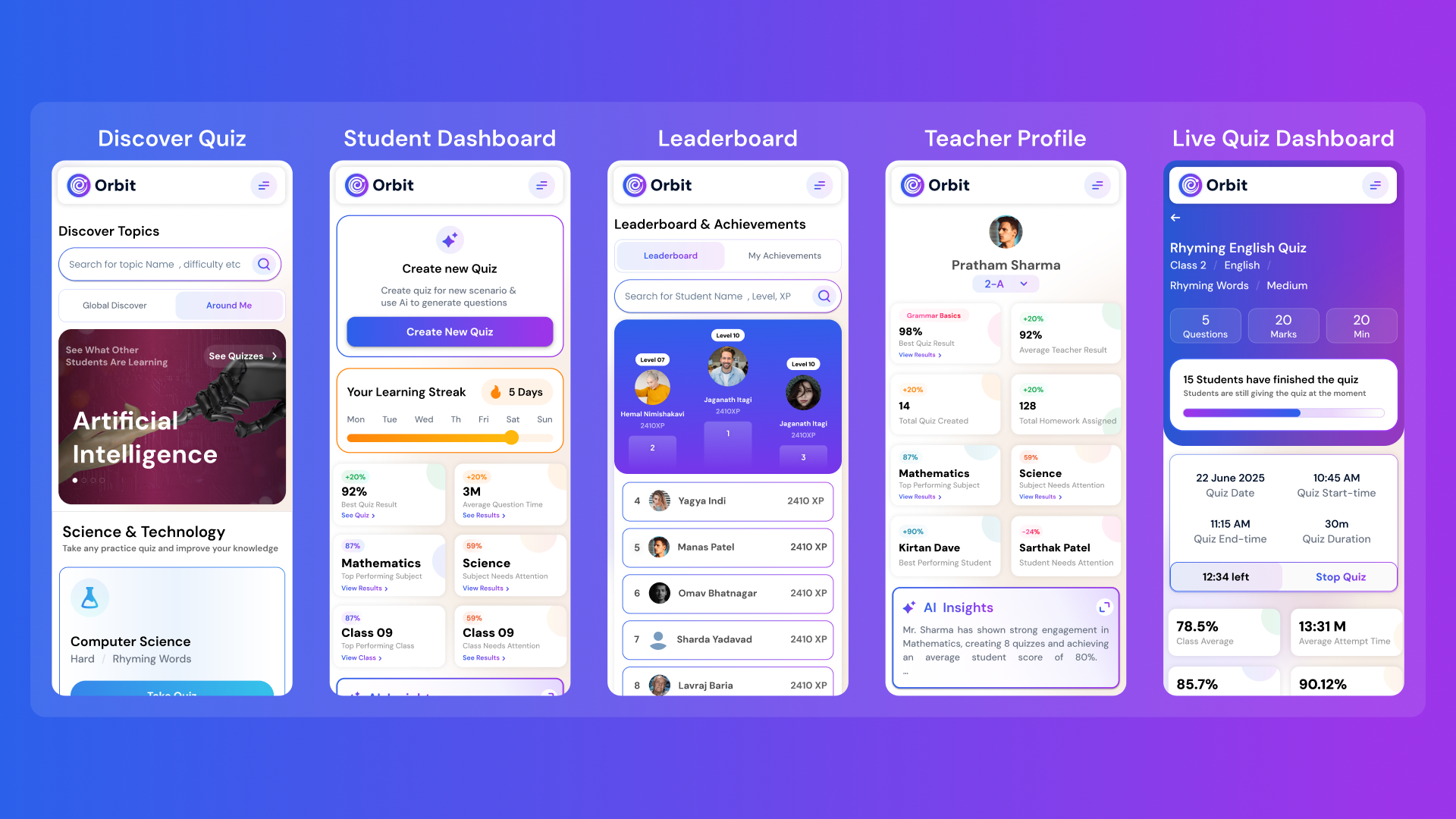
Orbit v1.4.7-beta brings a smarter and more personalized learning experience for students and teachers. With a new student dashboard, subject performance tracking, leaderboards, and real-time teacher analytics, Orbit makes learning interactive and data-driven.

Abhivendra SinghAbhivendra Singh
Why AI Will Never Replace Teachers: It’s Here to Empower Them
October 14, 20255 min read

Why AI Will Never Replace Teachers: It’s Here to Empower Them

From cutting attendance time to unlocking personalized learning, smart AI assistants are giving educators back what they’ve always needed most. The time to inspire. Discover why the future of education isn’t AI vs. Teachers, but AI + Teachers.

Nitesh PandeNitesh Pande
Goood Morning App: A Principal’s View on Security and Accuracy
Goood Morning
October 12, 20255 min read

Goood Morning App: A Principal’s View on Security and Accuracy

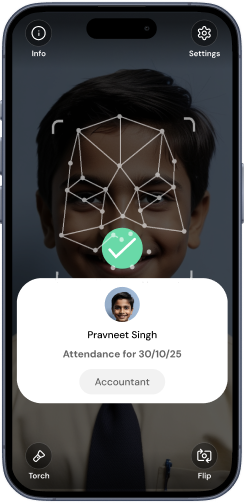
Taking attendance shouldn’t eat up your mornings. Discover how principals across India are cutting hours of wasted time and securing their campuses with Inforida’s Goood Morning — a biometric attendance system built for accuracy, safety, and peace of mind.

Nitesh PandeNitesh Pande

Frequently Asked Questions.

Everything you need to know about Inforida's platform, pricing, and implementation.

Use the search bar at the top of Discover AI. Choose a city and optionally filter by board, grade, and school type. Results show the profiles currently available for those filters; fees, reviews, and admission details appear when a school has supplied them.

Yes. Parents can search and review public school profiles without a fee. Some schools also provide a secure online enquiry or application path on their profile.

Available filters are generated from the current directory and can include CBSE, ICSE, IB, IGCSE, State Boards, day schools, boarding schools, international schools, and early-learning options. Availability varies by city.

A fee is shown only when it is present in the school profile. Because fees can change by grade and academic year, confirm the final structure and any additional charges directly with the school before applying.

Where comparison is available, you can shortlist schools and review their published boards, fees, facilities, parent reviews, and admission information side by side. Missing fields remain clearly marked rather than being estimated.

Discover AI promotes only cities that currently have school profiles. Open the city directory to see every supported location; cities without active inventory are labelled as coming soon.

Visit the school profile and use its Apply, Enquire, or Book Visit action when one is available. Inforida only opens the secure action published for that school; profiles without an application path do not show one.

Treat submitted parent reviews as one input alongside curriculum, fees, location, facilities, and a direct conversation with the school. Profiles without a valid rating are shown without a placeholder score.