See the full learning path
Map modules and outcomes before spending time creating individual resources.
Plan a sequence of modules, lessons, activities and checks around a defined audience and outcome. Orbit can draft the course map and individual learning units; academic leaders and teachers then verify scope, pedagogy, accessibility and every published resource.
Human-reviewed output · school-safe workflows
Orbit AI Course Builder helps educators plan a structured learning path from a stated audience, goal, duration and source material. It can draft modules, lesson outcomes, activities and checkpoints in sequence. The academic team should review progression, workload, factual content, accessibility and assessment design before publishing any course.
A course needs more than a collection of resources. Concepts must build in order, activities must serve outcomes and assessments must reveal the intended learning. Designing that architecture across several weeks creates a large planning surface for teachers and academic teams. Orbit provides an editable first map, making sequence, workload and gaps visible early enough for subject experts to improve them.
Map modules and outcomes before spending time creating individual resources.
Make prerequisites, concept progression and application stages visible for academic review.
Each draft unit can state what learners do and what evidence demonstrates progress.
Give Orbit essential context. Review its structured output. Keep final teaching decisions with educator.
State who the course is for and what participants should be able to do by the end.
Set duration, cadence, delivery format, available resources and the material the course must use.
Orbit proposes modules, lesson outcomes, activities, checkpoints and a logical learning sequence.
Subject experts correct scope and progression, then expand approved modules into reviewed learning content.
School professional learning · Teacher development · Science Pedagogy
Illustrative four-module course map showing outcomes, learning activity and evidence for each stage.
Teacher review stays essential. Treat the course map and unit content as drafts. Subject experts should approve scope, progression, sources, accessibility, workload and assessment before anything is published.
Clear output, faster iteration and final educator control—the things that matter during a real school day.
Map modules and outcomes before spending time creating individual resources.
Make prerequisites, concept progression and application stages visible for academic review.
Each draft unit can state what learners do and what evidence demonstrates progress.
Set course duration and cadence, then review whether readings, tasks and checkpoints are realistic.
Give subject experts and academic leaders one editable structure to challenge and improve.
Open Orbit AI to plan a course structure, or request a school demo for academic-team workflows.
Easy reads about AI in classrooms, what makes great schools tick, and the cool tools we are building.
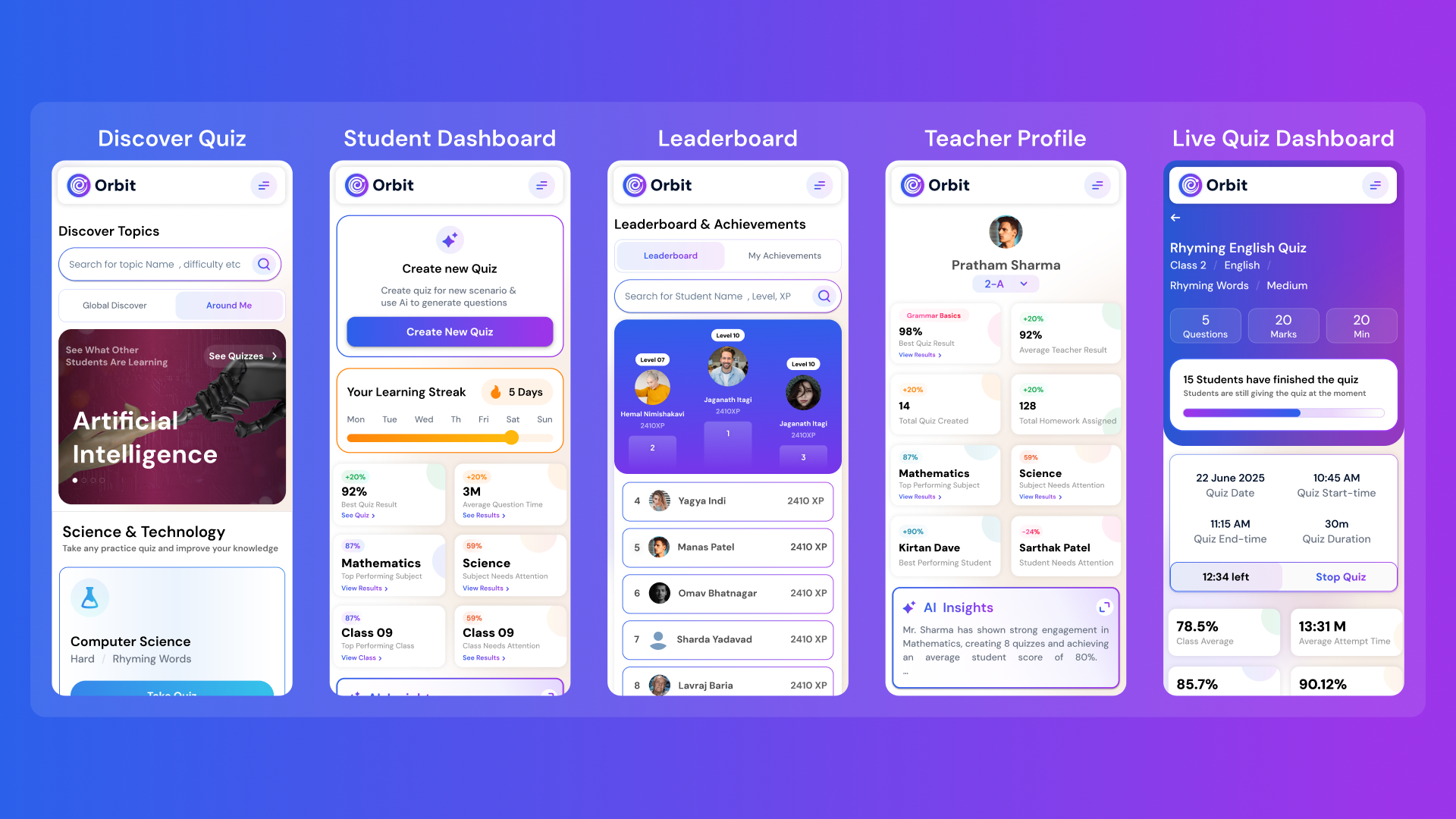
Orbit v1.4.7-beta brings a smarter and more personalized learning experience for students and teachers. With a new student dashboard, subject performance tracking, leaderboards, and real-time teacher analytics, Orbit makes learning interactive and data-driven.


From cutting attendance time to unlocking personalized learning, smart AI assistants are giving educators back what they’ve always needed most. The time to inspire. Discover why the future of education isn’t AI vs. Teachers, but AI + Teachers.


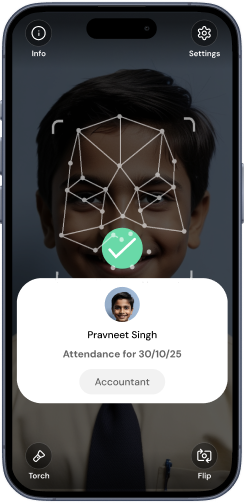
Taking attendance shouldn’t eat up your mornings. Discover how principals across India are cutting hours of wasted time and securing their campuses with Inforida’s Goood Morning — a biometric attendance system built for accuracy, safety, and peace of mind.
Everything you need to know about Inforida's platform, pricing, and implementation.
It can draft a course map with modules, lesson outcomes, activities and checkpoints from the audience, goal, duration and sources provided by an educator.
No. It can support student learning paths, teacher professional learning or school onboarding, provided the academic team defines the audience and reviews the design.
Teachers can provide approved material and instructions as course context. Ensure you have permission to use the content and check every generated unit against the source.
It can propose checkpoints and assessment ideas. Qualified educators should verify validity, fairness, difficulty, marking guidance and alignment before using them.
The course draft is intended to support an academic review workflow. The exact collaboration and publishing process depends on the Orbit setup used by your school.
It should not be published without review. Subject experts should check scope, sequence, content, accessibility, workload, assessment and links or resources in every unit.
Take attendance, collect fees, send messages and run the day, all from your phone. Made for school heads who are always on the move.