Campaigns
Set up an outbound calling campaign — audience, script, language mix, and schedule — and watch it run live.
ForSchool Admin Staff
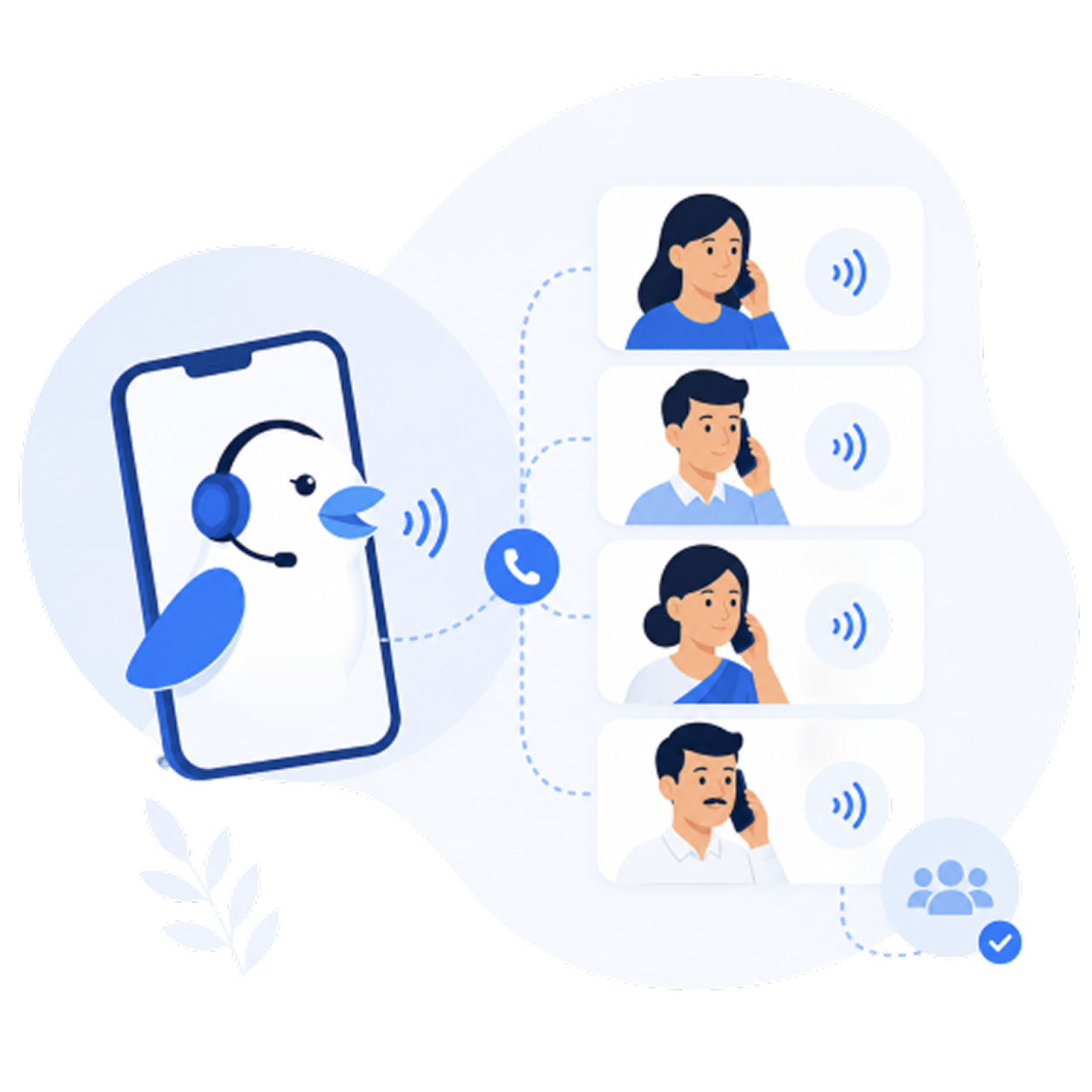
A campaign tells Bird who to call, what to say, and when. Bird dials in parallel and streams outcomes back to your dashboard in real time.
- 1Choose an audienceA QuickEnroll lead list, fee defaulters, absentees, or an uploaded list.
- 2Set the script & goalPick a flow (admissions, fees, survey) and tune the talking points.
- 3Set language & scheduleChoose the language mix and a calling window (e.g. 9 AM–6 PM, never late-night).
- 4Launch & monitorStart the campaign; the live dashboard shows placed, connected, interested, and escalated counts.
A/B test two openings on a slice of the list, then run the winner — small script changes move connection and conversion noticeably.
Was this page helpful? Bird AI v1.3.0alphaPage updated June 15, 2026