Frequently asked questions

Answers about opening Supervault 2.0, access, pricing, search and school storage.

ForSchool AdminStaff
What is Supervault 2.0?
Supervault 2.0 is Inforida’s school document management workspace. It brings uploads, connected Nucleus records, school staff collaboration, search and file access logs into one school vault.
How do I create or open a Supervault workspace?
Choose Create your vault to register a standalone Supervault account with 2 GB included storage. Nucleus is not required. Existing users can choose Open Supervault and sign in to continue to their workspace.
Do I need Nucleus to use Supervault?
No. A standalone Supervault workspace includes 2 GB storage, standard search, folders and file management. Schools using Nucleus Pro receive 10 GB by default; Ultimate includes 100 GB and AI-assisted vault search. A standalone account opens only its enabled workspace.
How much does additional Supervault storage cost?
Storage add-ons cost ₹299 for 10 GB, ₹1,999 for 100 GB or ₹9,999 for 1 TB for 30 days. Prepaid 365-day prices are ₹2,870, ₹19,190 and ₹95,990 respectively. Prices exclude 18% GST. Add-ons are available to standalone Supervault and eligible integrated school workspaces.
How does Supervault compare with Google Drive, OneDrive and Dropbox?
Google Drive, Microsoft OneDrive and Dropbox offer general file storage, sharing and collaboration or sync features. Supervault focuses on connected Nucleus school records, school staff workflows and activity. Choose based on your existing school workflow; it does not replace every Office editor or desktop sync feature.
Can AI search read every file or scanned document?
No. Standard search uses file details. Ultimate adds AI-assisted search, with document-content answers for eligible PDFs after successful indexing. Image-only scans, unsupported formats, indexing failures and unavailable AI services can limit answers. Always check the source document.
Who can access school files?
Supervault is for school staff. Authorised staff in your school can access and manage vault files. Recipient lists organise shared-file shortcuts and do not create confidential boundaries between staff. Parent and student accounts cannot enter the vault.
Do automatic folders count towards storage?
Yes. Uploaded files and referenced school documents and photos count towards the school’s storage usage. Check the quota display inside Supervault for your current usage and allowance.
What happens when a storage add-on expires?
The extra capacity expires. Existing files are not automatically deleted because the add-on ended. New uploads are limited by the school’s remaining included allowance. Normal account access requirements still apply.
Was this page helpful? Supervault v2.0.0Page updated September 19, 2026

Stories from our schools,
every week.

Easy reads about AI in classrooms, what makes great schools tick, and the cool tools we are building.

🚀 Orbit v1.4.7-beta – Smarter, Sleeker, and More Personal
orbit
October 15, 2025•2 min read

🚀 Orbit v1.4.7-beta – Smarter, Sleeker, and More Personal

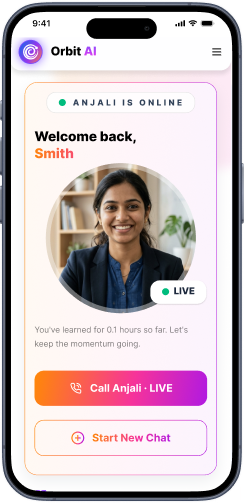
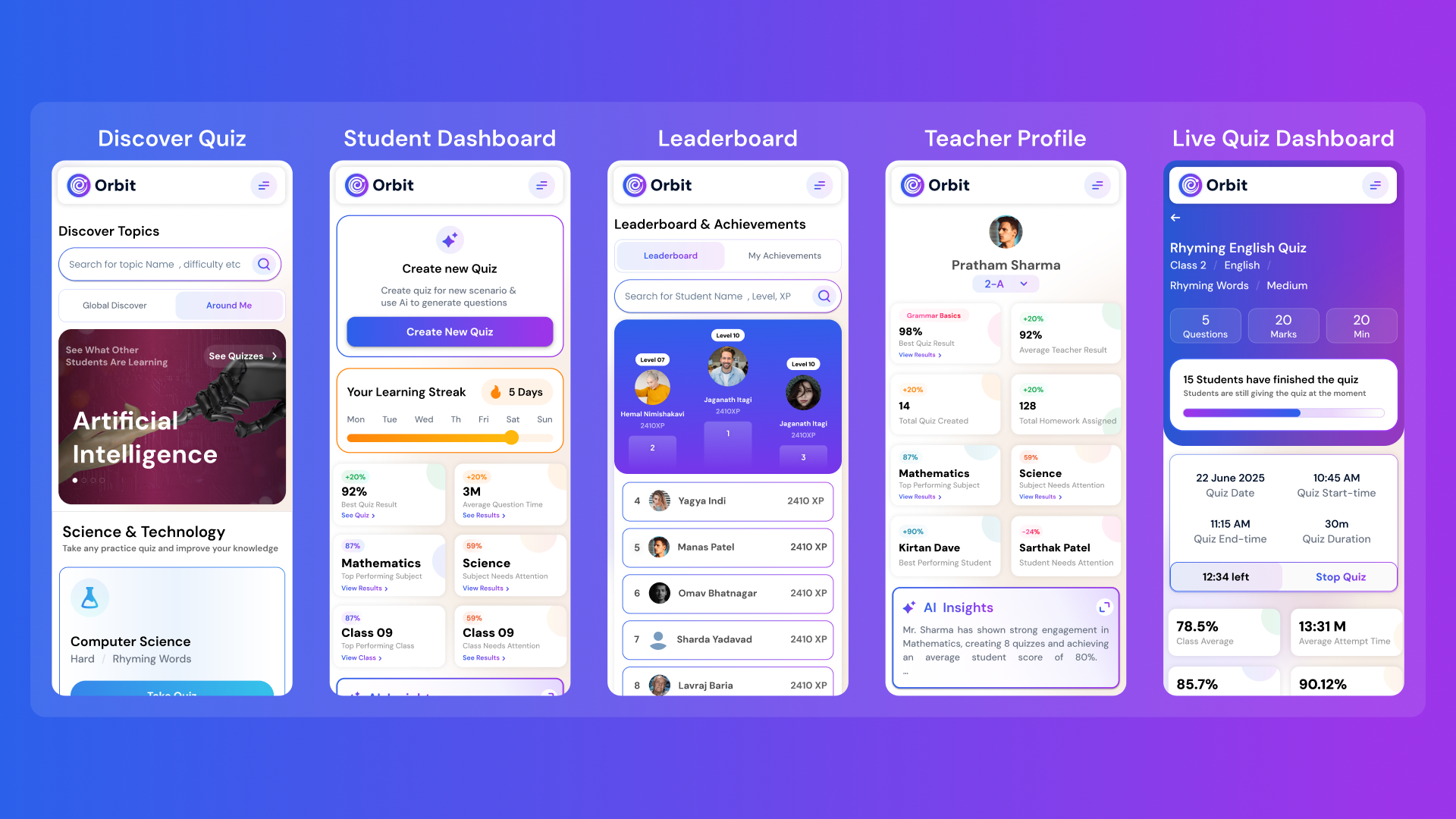
Orbit v1.4.7-beta brings a smarter and more personalized learning experience for students and teachers. With a new student dashboard, subject performance tracking, leaderboards, and real-time teacher analytics, Orbit makes learning interactive and data-driven.

Abhivendra SinghAbhivendra Singh
Why AI Will Never Replace Teachers: It’s Here to Empower Them
October 14, 2025•5 min read

Why AI Will Never Replace Teachers: It’s Here to Empower Them

From cutting attendance time to unlocking personalized learning, smart AI assistants are giving educators back what they’ve always needed most. The time to inspire. Discover why the future of education isn’t AI vs. Teachers, but AI + Teachers.

Nitesh PandeNitesh Pande
Goood Morning App: A Principal’s View on Security and Accuracy
Goood Morning
October 12, 2025•5 min read

Goood Morning App: A Principal’s View on Security and Accuracy

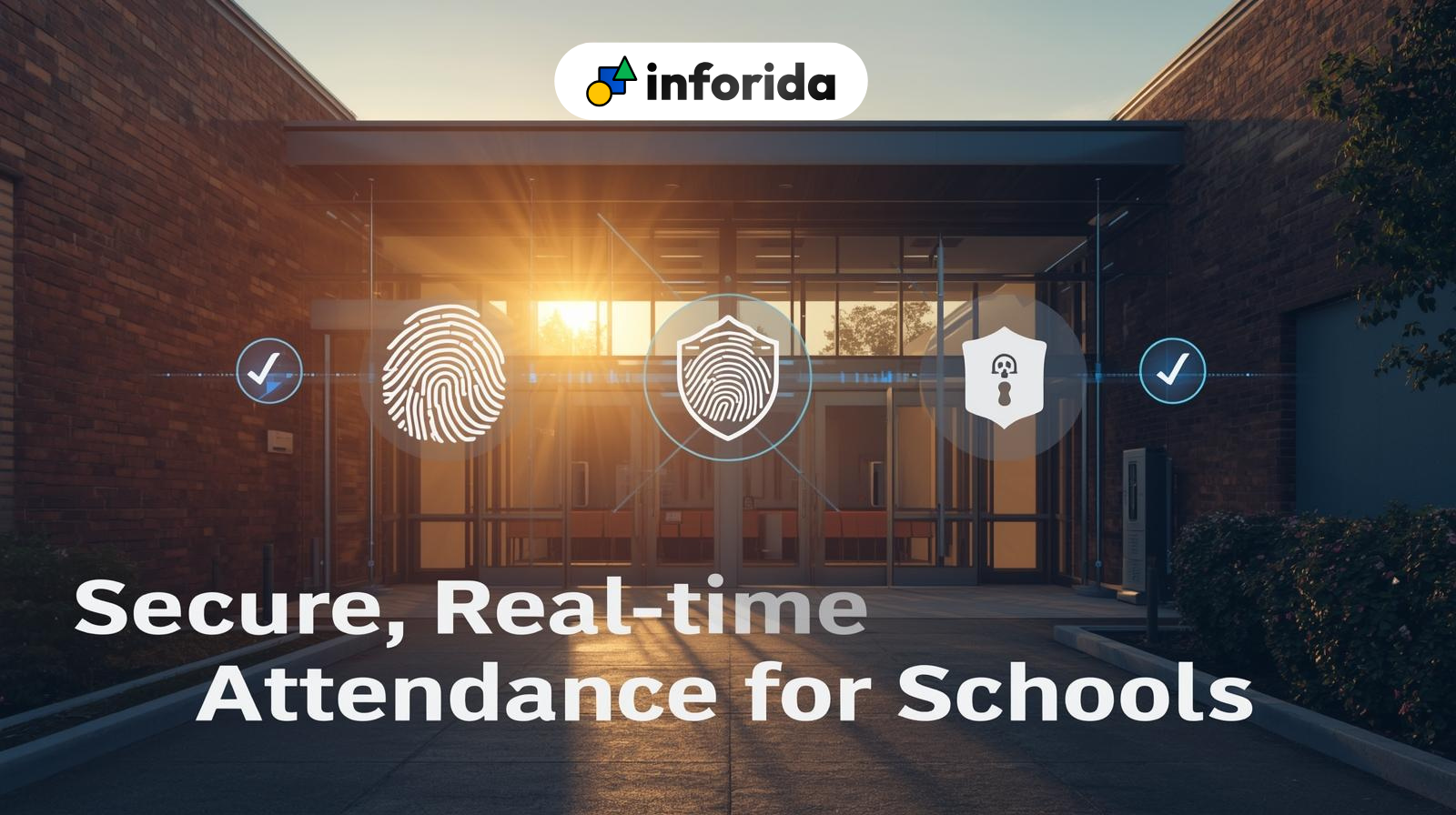
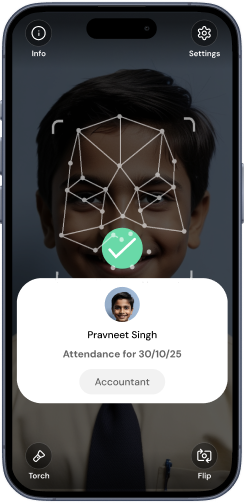
Taking attendance shouldn’t eat up your mornings. Discover how principals across India are cutting hours of wasted time and securing their campuses with Inforida’s Goood Morning — a biometric attendance system built for accuracy, safety, and peace of mind.

Nitesh PandeNitesh Pande

Frequently Asked Questions.

Everything you need to know about Inforida's platform, pricing, and implementation.

Inforida is a comprehensive school management ERP solution designed to streamline administrative tasks, improve communication, and enhance academic operations for educational institutions.

Inforida improves fee collection by offering automated payment tracking, digital receipts, and multiple payment options (cash, card, online). The system also sends reminders for due payments, reducing delays and manual errors.

Yes, Inforida is highly customizable. You can tailor the platform according to your school requirements, including fee structures, roles, and permissions.

Yes, parents get a free, secure mobile app with live updates, attendance, fees, and direct messaging to teachers.

Yes, Inforida offers a mobile app for parents, students, and teachers, enabling access to important information and features anytime, anywhere.

Inforida provides 24/7 customer support, along with online resources such as tutorials, FAQs, and video guides to assist users with the platform.

Yes, Inforida supports multiple campuses, allowing centralized management of all school branches through a single dashboard.

Indian data residency, AES-256 at rest, TLS 1.3 in flight, DPDP-compliant. We never train AI on student data and offer audit trails on every record.

Simply contact our team for a free demo or trial, and we will guide you through the setup process, helping you implement Inforida in your school quickly and efficiently.