Live class dashboard
See who’s present per class in real time, with absentees and late arrivals flagged — and fix exceptions by hand.
ForTeacher School Admin
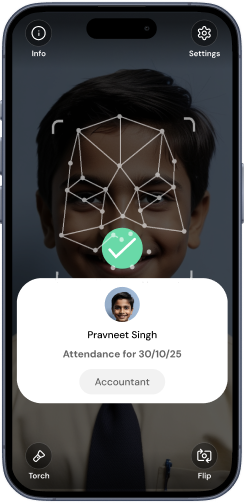
As students arrive at the gate, the class dashboard updates live. Each class shows present / absent / late at a glance, all mobile-friendly for the classroom teacher, with marks flowing straight into Nucleus.
- 1Open your classPick a class to see today’s roster with capture times.
- 2Spot the exceptionsGreen = present (with time), red = absent, yellow = late.
- 3Correct by handMark a late walk-in present, or override a mistaken capture, and add a reason note.
- 4SaveYour corrections merge with the gate captures and sync to Nucleus.
Gotcha: “No classes available” after a session rollover
If a class shows zero students or you see “No classes available”, it’s almost always because students haven’t been promoted into the new academic session yet — session-scoped counts read zero until they are. It is not a device fault.
If a device misses someone (rare), you can always mark them present from this screen — the dashboard is the source of truth the register is built from.
Was this page helpful? Goood Morning v3.1.0Page updated June 15, 2026