Device setup & management
Register gate tablets with a QR code, place and name them, run multiple gates, and monitor status from one dashboard.
ForSchool Admin Staff
Goood Morning runs on any Android 11+ tablet with a front camera — no special biometric hardware. Starter and Growth plans include a certified kit (tablet, wall mount, surge protector); Enterprise ships a GPU edge device for high-throughput gates.
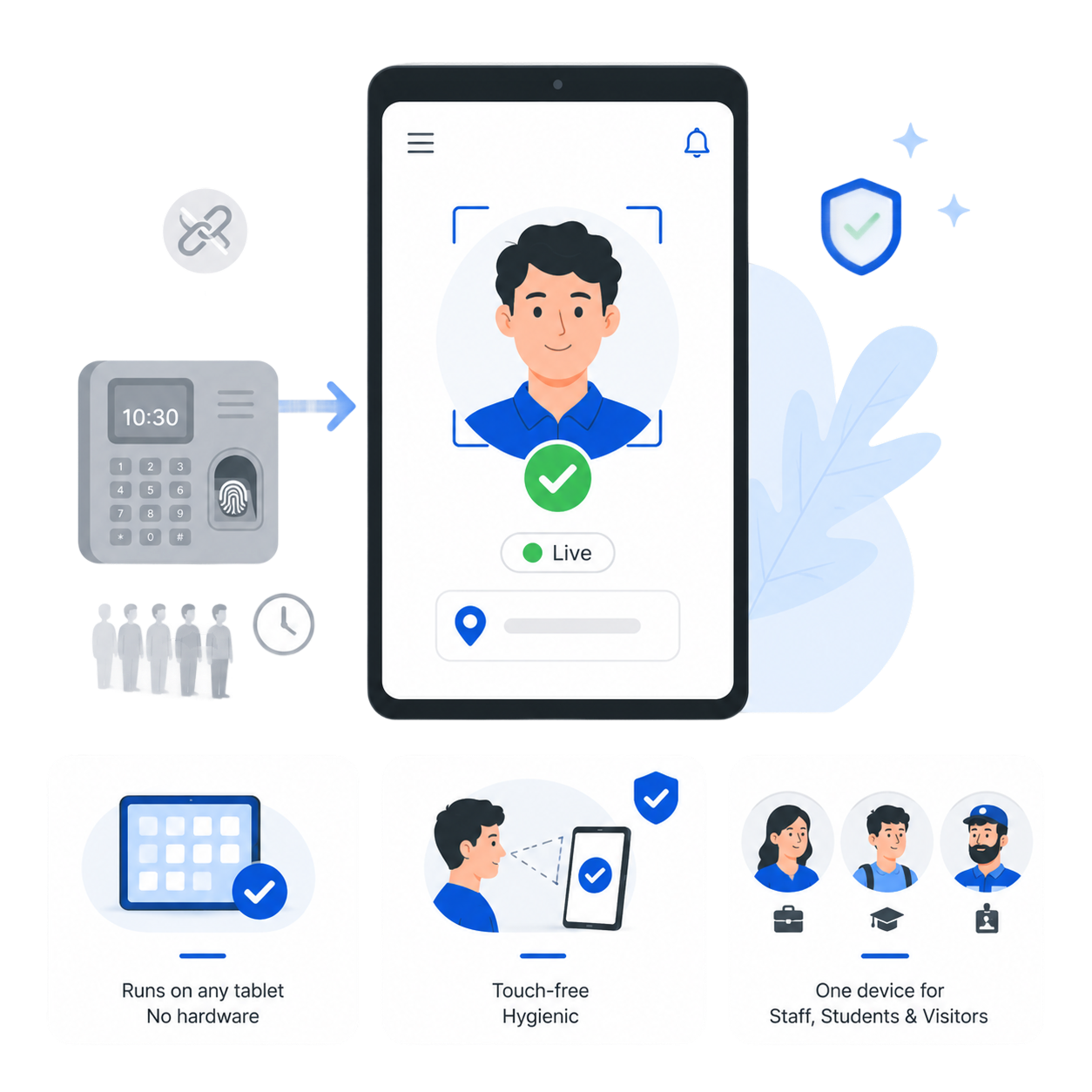
Register a device
- 1Create the deviceIn the dashboard, add a new device to generate a one-time QR code.
- 2Scan on the tabletOpen the Goood Morning app on the tablet and scan the QR. It binds the tablet to your school and assigns a Device ID.
- 3Name & place itLabel the placement (“Main Gate”, “Side Gate”, “Class 5A”, “Bus”) — placements are colour-coded in the dashboard.
- 4Go liveThe device shows online; captures start immediately.
Managing your gates
- See every device’s online/offline status and which gate it covers at a glance.
- Run multiple gates in parallel (up to 4 on Growth, unlimited on Enterprise) — entry, side gate, classroom, even bus boarding.
- Re-register a tablet to a new school/placement if you move it (the old binding is replaced).
Geofencing
Devices validate their GPS against your school location within a configurable range, so a tablet only marks attendance where it’s supposed to. See Geofence & range to tune or disable this.
Was this page helpful? Goood Morning v3.1.0Page updated June 15, 2026